Code 3 Police Callouts Tools & Helpers
Practical shift utilities—PC, mobile, and console controls, then wiki checklists for codes, passes, and patches.
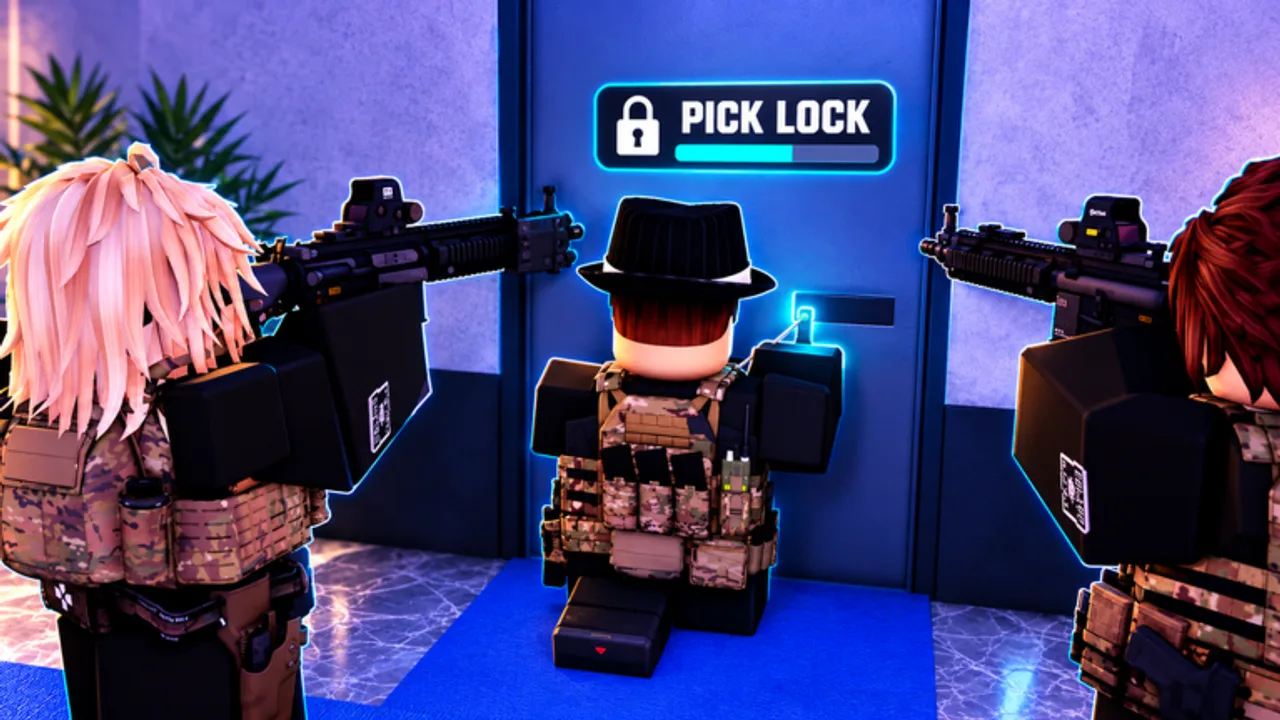
The Tools hub collects practical helpers for Code 3: Police Callouts—the stuff you keep open on a second monitor while a call is pending. Start with platform controls, then use the linked checklists when you are buying passes, ranking units, or surviving a patch night.
Featured tool pages
- Controls — PC, mobile, and console tips for driving, lights, sirens, traffic stops, and MDT flow.
- Mobile Controls — phone and tablet deep dive: landscape MDT, touch driving, battery/heat, and stop drills.
More calculators or interactive widgets can land here later; we would rather ship accurate controls pages than empty stubs.
Quick tool-like checklists (wiki-powered)
Even without a custom widget, these pages behave like tools during a shift:
- Codes — paste-ready rewards (GUNZCUSTOMS, GARAGE, successors).
- Game Passes — price sheet + persona buy order.
- Updates + November 2026 — regression checklist after Roblox Updated bumps.
- MDT and Warrants — identify-before-cuff checklist when the return matters.
- Tier List Hub — opinionated pickers for cars, guns, and units.
- Players Hub — lobby composition reminders for ~15-player servers.
How to use Tools during your first hour
- Open Controls and bind lights/sirens until muscle memory sticks.
- If you are on phone or tablet, continue with Mobile Controls.
- Keep Getting Started nearby for menu geography.
- Redeem Codes before you theorycraft HyperCars.
- Skim Units Overview only after you can finish a basic stop.
Platform notes at a glance
Code 3 markets itself as comfortable on phone, tablet, PC, and console. Expect touch UI affordances on mobile, key/mouse precision on PC, and controller driving on console. Exact key labels can shift with Roblox platform updates—when something feels unbound after a patch, re-open Controls (and Mobile Controls on touch) and re-check in a quiet lot before blaming the garage pack.
Tools versus scripts
Anything that injects executors or automation belongs under Scripts, complete with account-risk warnings. Tools on this hub are legitimate play aids: controls literacy, purchase planners, and update checklists. If a third-party site promises “free SWAT unlock tool,” that is not a tool we endorse.
After patches
When trackers show pulses like 31 Oct or 7–8 Nov 2026, use Tools in this order: Controls smoke-test → Mobile Controls taps if on phone → Codes → Game Passes price glance → one callboard test. Details live on the Updates pages so we do not duplicate changelog speculation here.
Related map of the site
For the editorial mission and reading order, see Wiki Overview. For fan rankings after you know the binds, jump to Vehicles or Weapons.
Keep this hub bookmarked if you swap devices often—the same officer on PC tonight and mobile tomorrow still needs clean light/siren habits to sell a traffic stop.
Frequently Asked Questions
Quick answers for patrol, codes, units, and progression.
What is the most important Tools page?
Controls for every platform, plus Mobile Controls if you play on phone or tablet. Lights, sirens, driving, and MDT inputs affect every unit and every callout.
Do you host Roblox executors here?
No. Executor discussion, if any, stays on the Scripts hub with safety warnings—not inside Tools.
Will more interactive tools be added?
Possibly—pass cost planners or checklist widgets—but only when they beat a well-written static page.
Does Controls differ by unit?
Core driving and MDT skills are shared. Unit fantasy changes gear and calls; it does not remove the need for clean binds.